 Österreich
 EU
EU
(Die Abbildungen müssen nicht den tatsächlichen Produkten entsprechen)
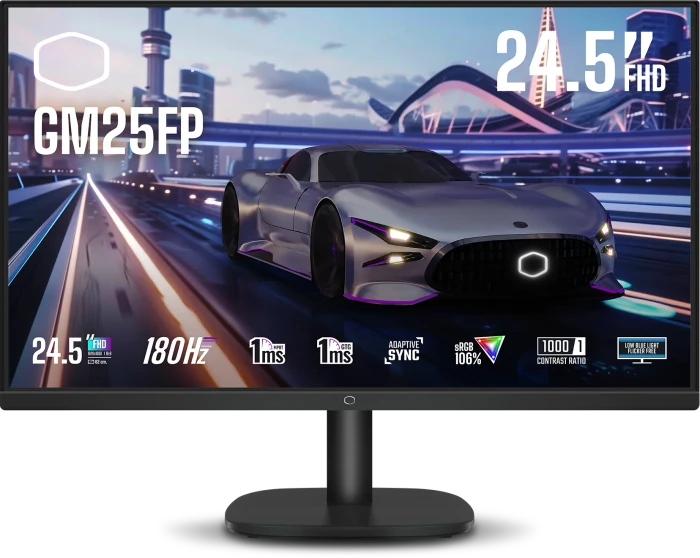
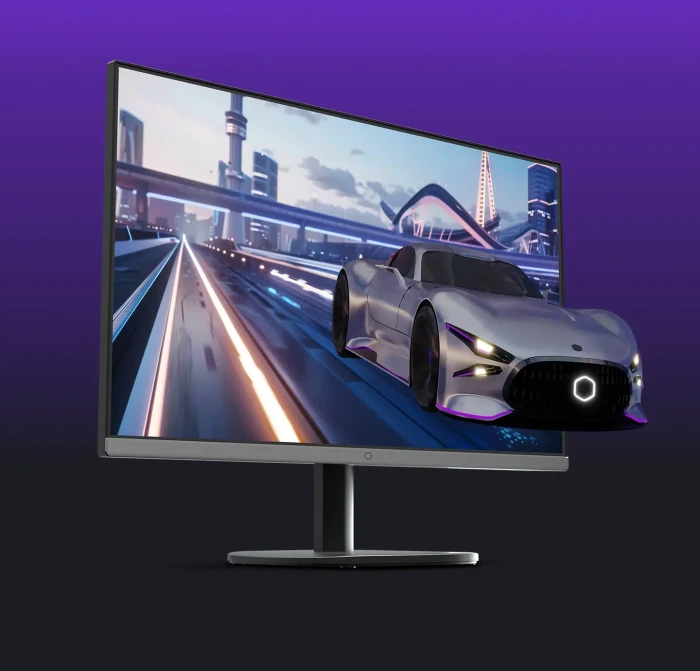
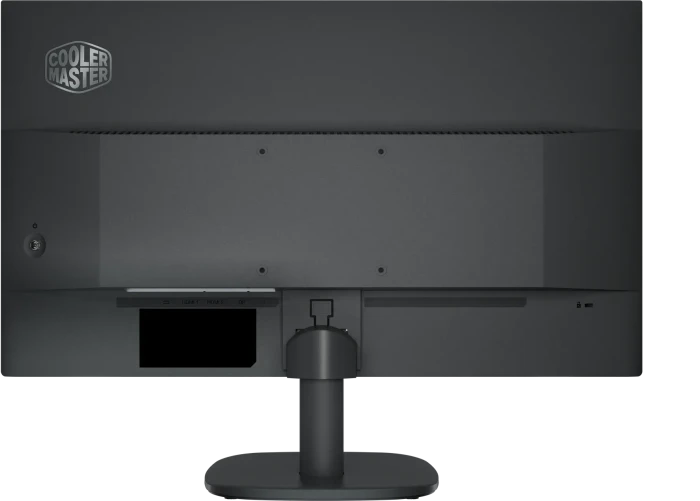

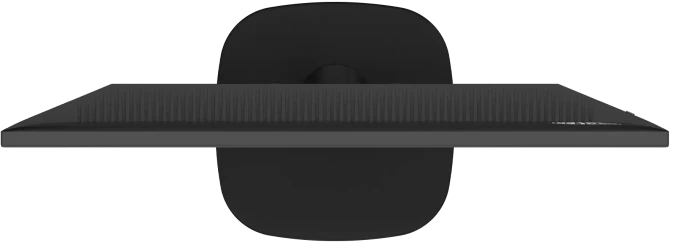


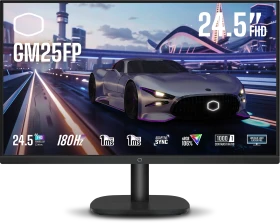
Cooler Master GM25FP, 24.5"
CMI-GM25FP-EK
Alle 14 Varianten anzeigen
Wähle eine Variante:
 Cooler Master GM25FP, 24.5"
 Cooler Master GM27QPA, 27"
 Cooler Master GM238-FFS, 23.8"
 Cooler Master GM2711S, 27"
 Cooler Master GM27QP, 27"
 Cooler Master GM34-CWQ2 ARGB, 34"
Mehr Varianten anzeigen
Cooler Master GM34-CWQ2 ARGB, 34"
Mehr Varianten anzeigen
Derzeit keine Angebote
ab
€ 199,90
6 Angebote
um
€ 209,00
1 Angebot
um
€ 269,90
1 Angebot
Derzeit keine Angebote
Derzeit keine Angebote
- Funktion
- Monitor, stationär
- Diagonale
- 24.5" (62.2cm), Klasse: 25"
- Auflösung
- 1920x1080 (Full HD), 16:9, 90ppi
- Bildwiederholfrequenz
- 180Hz (1920x1080)
- Helligkeit SDR
- 250cd/m² (typ.)
- Helligkeit HDR
- 250cd/m² (typ.)
- Reaktionszeit
- 1ms (GtG), 1ms (MPRT)
- Panel
- IPS
- Farbtiefe
- 8bit (16.7 Mio. Farben)
- Display-Oberfläche
- entspiegelt (anti-glare/anti-reflective)
- Hintergrundbeleuchtung
- LED, Blaulichtfilter
- Kontrast
- 1.000:1 (statisch)
Werbung
Es gibt derzeit keine Anbieter für dieses Produkt
(mit diesen Filterkriterien)
in der gewählten Region.
Bitte die EU-Übersicht verwenden oder ggf. die Filterkriterien ändern.
Bitte die EU-Übersicht verwenden oder ggf. die Filterkriterien ändern.
Weitere Varianten (Top-10)
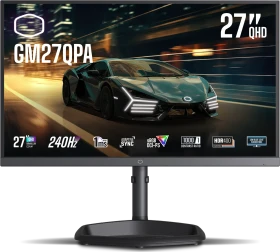
Cooler Master GM27QPA, 27"
CMI-GM27QPA
ab
€ 199,90
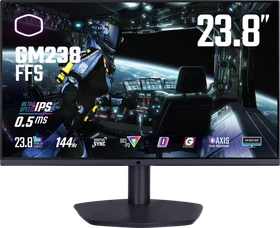
Cooler Master GM238-FFS, 23.8"
CMI-GM238-FFS-EK
um
€ 209,00
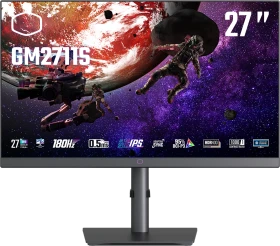
Cooler Master GM2711S, 27"
CMI-GM2711S
um
€ 269,90
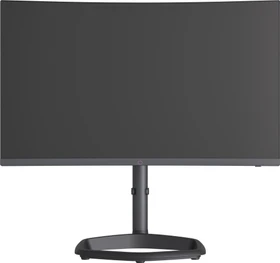
Cooler Master GM27QP, 27"
CMI-GM27QP-EK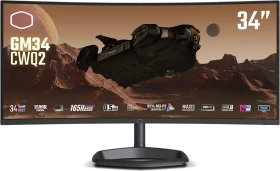
Cooler Master GM34-CWQ2 ARGB, 34"
CMI-GM34-CWQ2 / CMI-GM34-CWQ2-EK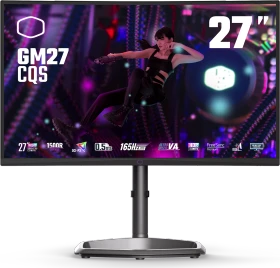
Cooler Master GM27-CQS, 27"
CMI-GM27-CQS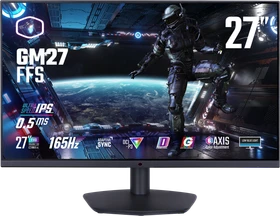
Cooler Master GM27-FFS, 27"
CMI-GM27-FFS-EK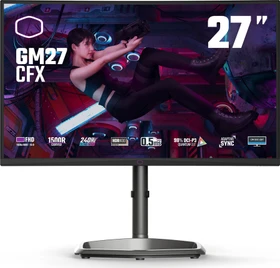
Cooler Master GM27-CFX Curved Gaming Monitor, 27"
CMI-GM27-CFX / CMI-GM27-CFX-EK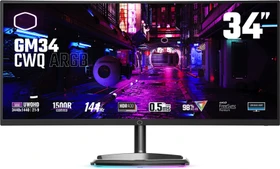
Cooler Master GM34-CWQ ARGB, 34"
CMI-GM34-CWQAÄhnliche Produkte (Top-10 in Monitore)
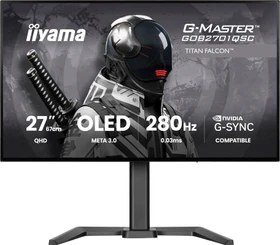
iiyama G-Master GOB2701QSC-B1 Titan Falcon, 26.5"
ab
€ 339,00
Dell Alienware 39 5K OLED Gaming Monitor AW3926QW, 38.9"
210-BWXP
um
€ 1149,00

GIGABYTE GO27Q24G, 27"
ab
€ 327,15

ASUS ROG Strix OLED XG27AQWMG, 26.5"
90LM0BZ0-B01171
ab
€ 479,00
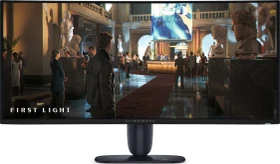
Dell Alienware 34 280Hz QD-OLED Gaming Monitor AW3426DW, 34"
210-BWFN
ab
€ 739,90
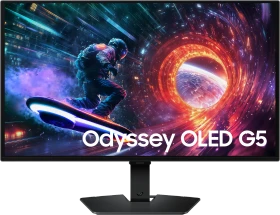
Samsung Odyssey OLED G5 G50SF, 27"
LS27FG500SUXEN / LS27FG502SUXEN / LS27FG504SUXEN / LS27FG506SUXEN
ab
€ 304,99

ASUS ROG Strix OLED XG27AQDMG Gen2 (XG27AQDMGR), 26.5"
90LM0CC0-B01171
ab
€ 436,99
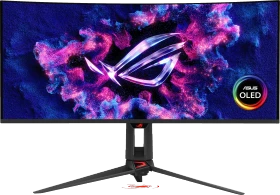
ASUS ROG Swift OLED PG34WCDN, 34"
90LM0CU0-B01971
ab
€ 1199,00
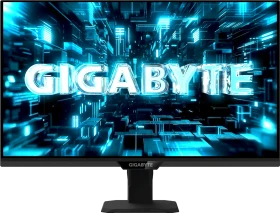
GIGABYTE G27Q20T, 27"
ab
€ 139,00
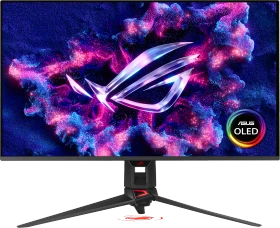
ASUS ROG Swift OLED PG32UCDM Gen3 (PG32UCDM3), 31.5"
90LM0CL0-B01971
ab
€ 1381,88
- Funktion
- Monitor, stationär
- Diagonale
- 24.5" (62.2cm), Klasse: 25"
- Auflösung
- 1920x1080 (Full HD), 16:9, 90ppi
- Bildwiederholfrequenz
- 180Hz (1920x1080)
- Helligkeit SDR
- 250cd/m² (typ.)
- Helligkeit HDR
- 250cd/m² (typ.)
- Reaktionszeit
- 1ms (GtG), 1ms (MPRT)
- Panel
- IPS
- Farbtiefe
- 8bit (16.7 Mio. Farben)
- Display-Oberfläche
- entspiegelt (anti-glare/anti-reflective)
- Hintergrundbeleuchtung
- LED, Blaulichtfilter
- Kontrast
- 1.000:1 (statisch)
- HDR
- HDR10
- Blickwinkel
- 178°/178°
- Form
- gerade (flat)
- Variable Synchronisierung
- Adaptive Sync
- Anschlüsse
- 1x DisplayPort 1.4 (180Hz@1920x1080), 2x HDMI 2.0, 1x 3.5mm Klinke Line-Out, 1x DC-In Hohlbuchse (Netzanschluss)
- Bandbreite
- angenäherte Bandbreite: 8.96Gb/s @ 180Hz
HDMI 2.0 max. Netto-Bandbreite: 14.4Gb/sDisplayPort 1.4 max. Netto-Bandbreite: 25.92Gb/s - sRGB
- 106%
- Adobe RGB
- 74%
- DCI-P3
- 78%
- Lautsprecher
- 2x 2W
- Bedienung
- Steuerkreuz
- Ergonomie
- Standfuß, neigbar (+17°/-5°)
- VESA
- 100x100 (frei)
- Leistungsaufnahme
- 24W (maximal)
- Energieeffizienz SDR (A bis G)
- 18kWh/1000h (E)
- Energieeffizienz HDR (A bis G)
- 22kWh/1000h (F)
- Screen-to-Body-Ratio
- N/A
- Gewicht
- 2.80kg (mit Standfuß)
- Farbe
- Rückseite: schwarz, Standfuß: schwarz, Blende: schwarz
- Netzteil
- extern
- Garantie
- drei Jahre
- USB-Schreibweise
- Link
- Letztes Preisupdate
- -
- Gelistet seit
- 19.07.2024, 08:59
-
Stand: 19.07.2024 .pdf [94.48 KB]
-
Stand: 19.07.2024 .pdf [145.59 KB]
-
Stand: 19.07.2024 .pdf [93.82 KB]
-
Stand: 19.07.2024 .pdf [76.03 KB]
Laden ...
Bewertung für Cooler Master GM25FP, 24.5"
Teilen Sie uns Ihre Meinung zu Cooler Master GM25FP, 24.5" mit oder lesen Sie die Bewertungen unserer Mitglieder, Experten und anderer Websites zu dessen Varianten.Laden ...
-
 hardwareinside.de: Cooler Master GM34 -CWQ2 Curved Gaming Monitor im Test
Im Gaming-Alltag weiß der Cooler Master GM34 -CWQ2 Curved Gaming Monitor durchaus zu überzeugen. Mit einer sehr genauen Farbwiedergabe, einer zuverlässigen Bildwiederholungsrate von 180 Hz und einer Bildverzögerungszeit von nur 0,5 ms, ist der Monitor wie gemacht für anspruchsvolle Gamer. Schwächen erlaubt sich der GM34 lediglich in Farbverläufen und in der nicht ganz akkuraten Ausleuchtung. Wer gerade einen QHD-Monitor im Ultra-Wide Format sucht könnte hier goldrichtig sein, denn mit ein wenig Glück kann der Curved Gaming Monitor für unter 400€ erworben werden.

-
 eteknix.com: Cooler Master GM25FP 180Hz Gaming Monitor Review (translate)
When it comes to gaming, the GM25FP delivers a smooth and responsive experience. Naturally, the 180Hz refresh rate is immediately noticeable, it’s a very smooth experience from moving the mouse around when you’re bored to playing fast-paced games like Doom Eternal. The image feels fluid and tear-free thanks to the Adaptive Sync, and I didn’t notice any significant motion blur, even during frantic action sequences with high contrast.
-
techpowerup.com: Cooler Master GM34-CWQ2 Review - Win Some, Lose Some (translate)
As a standalone product, the Cooler Master GM34-CWQ2 is a very good ultrawide gaming monitor. It has a 180 Hz refresh rate, very low input lag, good motion handling, a fully adjustable overdrive level, timers, virtual crosshairs, and everything else you might need to truly enjoy your gaming sessions, and even have a competitive edge over participants with lesser monitors. The curved 34-inch ultrawide panel offers excellent immersion in games but also does wonders for any kind of productivity work, as it lets you comfortably use two Windows side-by-side. You also get the luxury of fully utilizing the available screen real estate, as there's no need to use Windows scaling; the monitor is perfectly usable at 100% scale level. If we look at it as a successor to last year's GM34-CWQ ARGB, then things become more complicated. You're getting a higher refresh rate panel, reduced input lag, more overdrive options, improved OSD, and an integrated KVM switch. The latter is useful enough to make the decision easy for anyone who's looking to use the monitor with two separate systems connected simultaneously. However, you're also getting a lower quality VA panel, with worse color accuracy (at least before calibration) and halved static contrast ratio. In other words, the Cooler Master GM34-CWQ2 is even more responsive when gaming, and infinitely more practical to use in dual system setups, but its picture looks less punchy. With the MSRP pricing set to $470, the GM34-CWQ2 should in fact cost less than its predecessor, which currently goes for $500. This is a good call on Cooler Master's behalf, one that makes a slight reduction in uncalibrated color performance easier to tolerate. Also worth pointing out is the fact that competing 34-inch 180 Hz ultrawide monitors cost significantly more - the Asus ROG Strix XG349C goes for $770, and the ViewSonic Elite XG340C-2K will set you back $700. The Asus TUF Gaming VG34VQL3A is $70 less expensive, but doesn't use Quantum Dot technology. There's definitely room on the market for the Cooler Master GM34-CWQ2.

-
tftcentral.co.uk: Cooler Master GM34-CWQ2 (translate)
The GM34-CWQ2 provides an interesting new option in the mid-tier 34″ monitor market. It provides a nice range of features and extras for the price point, along with some generally solid all round performance. We liked the inclusion of things like USB type-C connection (with 65W power delivery), KVM function, PiP/PbP modes and even some modest 2x 5W integrated speakers. It helps make it a pretty versatile monitor for general uses, work and play.

-
eteknix.com: Cooler Master CM-GM34-CWQ2 21:9 Monitor Review (translate)
When it comes to quality, Cooler Master has kept things realistic while focusing on all the important aspects as appropriate. The casing is relatively bland plastic with a printed logo on it. There’s no trick RGB thrills, there isn’t a super-fancy stand made from aluminium or anything like that, but honestly, having used this monitor daily for some time now, I’m happy to say that in a dim room, the monitor blends into the gloom and the only thing I ever see if the panel, and it’s a stunning panel at that. The brightness is excellent, and I never found the need to push it was 40/100 on the slider, and at 100% it’s dazzlingly bright at nearly 500 nits, making it a bit of a light cannon for counteracting bright rooms and sunny days. Like most VA edge-lit panels, the HDR performance is hit-and-miss, and the HDR400 rating tells you as much. The colours look amazing in games like Horizon, but it lacks detail in dark scenes and bright areas in night scenes can lead to a pretty grey image overall, so I suggest sticking with SDR for this monitor. That being said, with a striking contrast ratio over 4000:1, great black levels (in SDR), high peak brightness, and colours that are vibrant, accurate and colour a large section of the AdobeRGB and DCI-P3 colour scales, you will be very happy with what you get from it. Plus, VA panels respond really well, and it does not suffer from the ghosting or smudging from fast-moving objects either, which is great. At 165 Hz using the stock settings, it’s fast, but you can just as easily set it to 180Hz (OC) to push it a little harder, and since I’ve used it pretty much exclusively at 180 Hz, I can’t see that there’s any negative effects from doing this. The panel supports FreeSync Premium, and as I’ve been running it on an RTX 4090 with G-Sync, again, I’ve had no problems with screen tearing, flickering or dropped frames, it just works great right out of the box.
Alle Angaben ohne Gewähr. Die gelisteten Angebote sind keine verbindlichen Werbeaussagen der Anbieter.
* Preise in Euro inkl. MwSt. zzgl. Versandkosten. Bei der Auswahl von "inkl. Versand" beinhaltet der dargestellte Preis die Kosten für den Versand. Die nicht angeführten Kosten in andere Länder entnimm bitte der Website des Händlers. Bei Sortierung nach einer anderen als der Landeswährung des Händlers basiert die Währungsumrechnung auf einem von uns ermittelten Tageskurs, der womöglich nicht mit dem im Shop angegebenen Preis exakt übereinstimmt. Bitte bedenke außerdem, dass die angeführten Preise periodisch erzeugte Momentaufnahmen darstellen und technisch bedingt teilweise veraltet sein können. Insbesondere sind Preiserhöhungen zwischen dem Zeitpunkt der Preisübernahme durch uns und dem späteren Besuch dieser Website möglich. Händler haben keine Möglichkeit die Darstellung der Preise direkt zu beeinflussen und sofortige Änderungen auf unserer Seite zu veranlassen. Der maßgebliche Preis für den Verkauf durch den Händler ist der tatsächliche Preis des Produkts, der zum Zeitpunkt des Kaufs auf der Website des Händlers steht.