 Österreich
 EU
EU
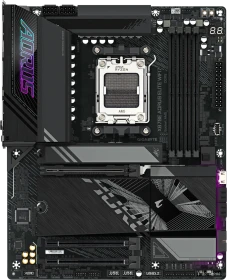
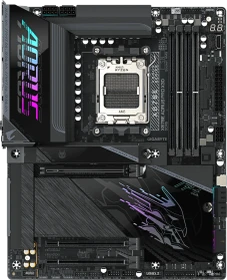
AORUS Elite WIFI7 (AMD AM5)
ab
€ 266,98

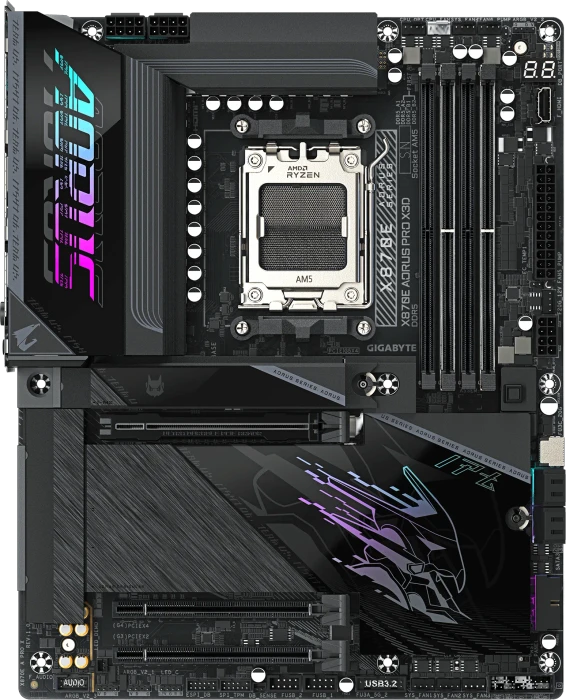

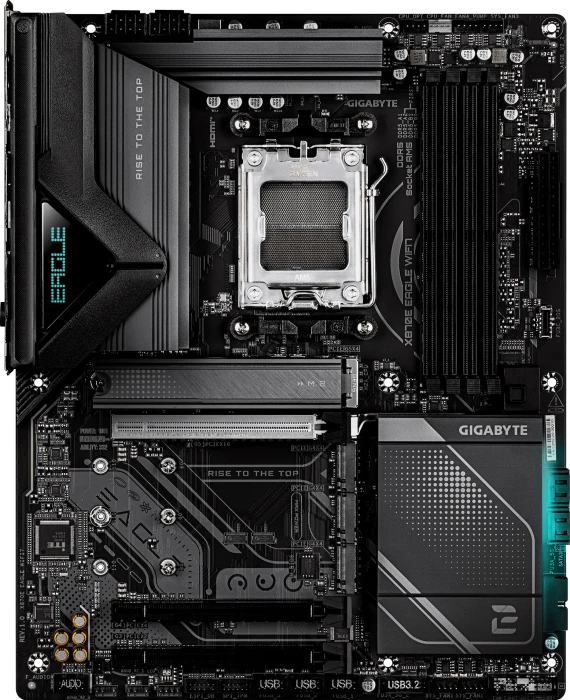



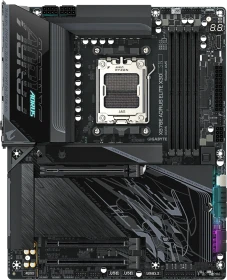
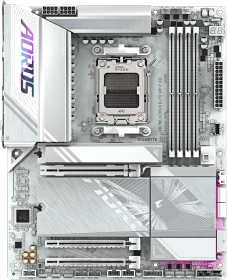
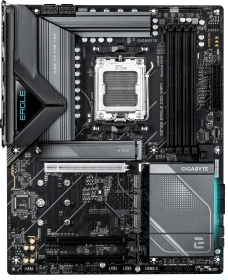
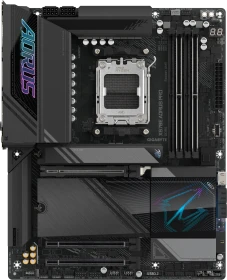
PC Enthusiasts love more affordable motherboards that support the latest AMD CPUs, but the obvious snag is that moving down the product stack usually means you miss out on features. With the Gigabyte X870E Aorus Elite WiFi7 we have a solid VRM, support for three Gen 5 M.2 SSDs (and a Gen 4), a decent array of USB ports including 2x USB4, WiFi7 and a price under £300.

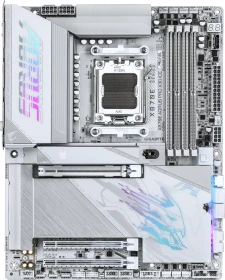
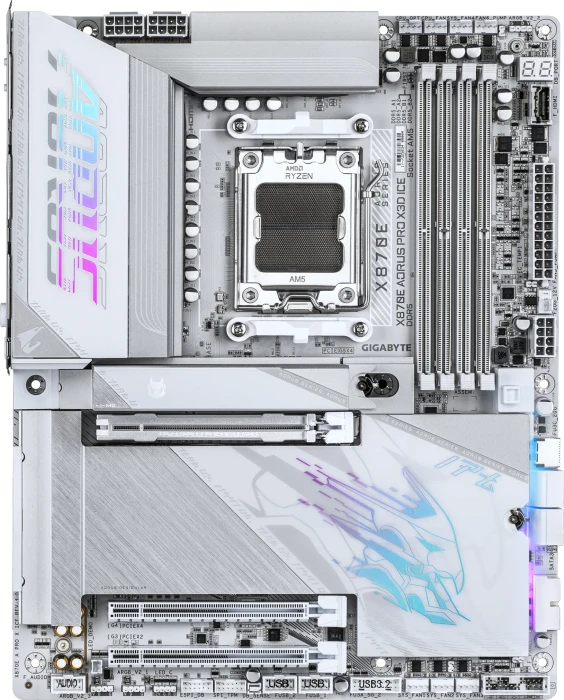
The board is very well built, with a solid backplate, highly effective heatsinks, and a lovely aesthetic. Should you prefer white, there's also the AORUS Elite X3D Ice to consider. That one is a real looker! Now that AM5 is a well and truly mature platform, the only reason to opt for first generation X870/E boards is pricing. I would be happy to pay extra for the X870E AORUS Elite X3D over a board like the X870E AORUS Elite, but the gap is currently $70. That will surely close in the coming weeks and months. You do get a better feature set with the X3D, but the X3D Turbo Mode 2 is not a compelling reason to buy it.

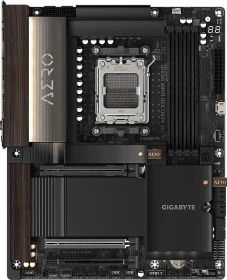
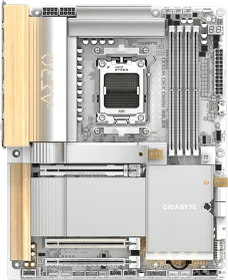
The GIGABYTE X870E Aero X3D Dark Wood is stunning, yet it adds strong performance, great connectivity, and good cooling too. Not bad at all for $449.
Gigabyte has been knocking it out of the park recently when it comes to motherboard aesthetics, and the X870E Aero X3D Dark Wood looks set to continue the trend. It has gone all-out when it comes to white models, dialing things up even more with the X3D range and further still with the beautiful X870E Aero X3D Wood. If you thought the X870E Aero X3D Dark Wood looked familiar, it's because it is essentially the same board as the X870E Aero X3D Wood. Gigabyte, though, was keen for us to take a look at it anyway in case you had scrolled past that model because of its light, silver and wood design because you were in the market for something moodier.
Gigabyte is the first motherboard brand to introduce a fresh, eye-catching design featuring wood-like elements. The tested AERO X3D WOOD motherboard includes not only the new design, but also multiple features available in all the latest motherboard series marked as X3D. It means we can expect great hardware compatibility and performance improvements for the latest processors, including some help from AI.
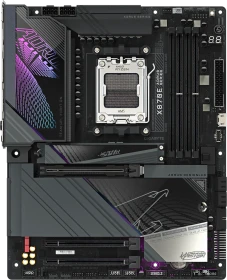
Today, we’ll be taking a closer look at the X870E AORUS MASTER from Gigabyte, one of the latest enthusiast-grade motherboards the brand offers for the new AMD CPUs. How does it improve upon the X670E AORUS MASTER, which was already an excellent option? Let’s dive in and find out.
This being the last of the big four companies to cover in our X870 coverage (lots more to some soon), we now have a pretty good picture of what each company is doing. They're all going big on tool-free features and while MSI and ASRock might have equal graphics card release mechanisms, we have to say that Gigabyte's tool-free M.2 SSD and heatsink features are easier to use than the rest. The ease with which they can be removed and click into place removes frustrations we found with others, especially when it came to aligning and installing the heatsinks. The graphics card release mechanism here is maybe not quite as sure-footed and solid-feeling as ASRock and MSI's implementations, but overall the Gigabyte X870E Aorus Master is a very easy board to work with. There aren't too many stand-out features, but that seems to be a trend at the moment, not least of all because so much is packed onto the PCB in the first place and accessory sets are practically non-existent, so there's rarely anything to get excited about there with this generation of boards. The Gigabyte X870E Aorus Master itself is attractive, being the cleanest-looking board we've seen so far and with some white Gigabyte boards waiting in the wings we're hopeful the aesthetics will be dialed up even further. The addition of the internal HDMI port for display screens is a nice touch too, but it is rather limited in its refresh rate and resolution compared to the latest third party screens and those included with current cases. It's not a board to shy away from high-end systems, though, as it has all the features you need to build a seriously powerful machine and just as importantly, take control of your rig's cooling whether it's air or watercooled. The thermal sensor ports are always welcome as are power and reset buttons, the LED POST code display is an essential tool if you're using fast DDR5 memory or overclocking with AMD systems as you otherwise never quite know if that memory training is just taking its time or your tweaking went a little too far. It's far from a perfect X870E motherboard, though, as we spotted a few niggles in our travels. While it has an impressive 10 Type-A USB ports, it has fewer USB 3.2 10 Gbps ports than similarly-priced competition, and we'd have liked to see enhanced power delivery for the Type-C case header and more Type-C USB ports, if only with the future in mind for those planning on keeping their systems till the turn of the decade and at $500, you'd be right in wanting your board to last that long too. Thankfully it looks like we finally have the CPUs to keep you happy for that long thanks to AMD's new 3D V-Cache models. The lack of 10 Gbps Ethernet is depressing, but not surprising. In the distant past $500 would have bagged you 10 Gbps, but these days it's barely enough for a mid to high-end board like the one we have here. Thankfully the inclusion of Wi-Fi 7 will at least mean that side is covered. There were some odd things we spotted with the board, though, most notably a bunch of hidden port labels under the chipset heatsink. This did make identifying the lower fan ports here quite difficult and while you can always refer to the manual, it's far quicker to be able to read these things off the PCB. It's almost like the same PCB is used on other boards with smaller heatsinks and here, it just happened to cover them, or the heatsink was made larger than originally planned. It's not a massive issue, but did raise eyebrows when three of the fan headers had no labels at all. We certainly don't feel the ASUS ROG Crosshair X870E Hero is worth more than $100 more, but within that reach it's a very tempting option given it has a lot more of the premium features we've mentioned above. The stiffest competition comes from the likes of the ASRock X870E Taichi, which costs $50 less and in many ways feels like you get more motherboard for your cash with a backplate, additional CPU power phases, excellent M.2 cooling and still managing to include thermal sensor ports and even active VRM cooling. In summary, then, the Gigabyte X870E Aorus Master is another well-rounded but expensive option that looks even more expensive given decent X670 and B650 chipset boards cost a lot less and handle the latest Zen 5 CPUs perfectly well. Still, if you're looking for cutting edge features and the Gigabyte X870E Aorus Master's performance and features appeal, and you're looking to keep the board long term then we doubt you'll be disappointed, even if your wallet might protest a little.
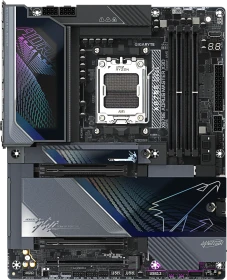
Like many refresh boards, the X3D AI Top improves upon the original with an increase in M.2 count and improved aesthetics. This top-of-the-line motherboard is one of the best X870E flagships available.

Gigabytes X870E AORUS Pro Ice ist aufgrund der hellen Optik für weiße System-Builds interessant und stellt zu den dominierenden, dunklen Mainboards, eine gelungene Abwechslung dar. Von der Farbe abgesehen, ist das X870E AORUS Pro Ice baugleich mit dem X870E AORUS Pro. Letzteres ist der dunkle Bruder des hellen Ice-Modells. Demnach gilt dieser Test auf der technischen Ebene beide Modelle. In unserem Test werden wir das Gigabytes X870E AORUS Pro Ice ausführlich durchleuchten.

If anything Gigabyte's main problem in getting you to steer your wallet towards the $360 Gigabyte X870E Aorus Pro is that it already has some excellent cheaper offerings, such as the Gigabyte X870 Aorus Elite Wi-Fi 7. Part of the extra cost here is of course we're dealing with an X870E motherboard rather than X870, featuring dual X870 chipsets and the potential for more M.2 ports and PCIe slots available without lane sharing. Hopefully we'll see some other extras too, but primarily the main reason you might want to step up to X870E is for additional bandwidth. If you have zero PCIe expansion cards in addition to your graphics card, and only one M.2 SSD, then the board we're looking at here is very much overkill.
The X870E AORUS PRO ICE is another well-designed motherboard from Gigabyte. We had no problems with compatibility or performance during the tests. All components used on the motherboard worked as expected. The motherboard is also well-equipped, even though it isn’t the highest model (we can expect at least two higher models). Like in high motherboards from the 600 series, the X870E PRO ICE has a solid 16+2+2 power design and entirely passive cooling that handles all the heat without issues. Although, at first glance, it’s not so much different from the motherboards of the previous generation, the design and the long list of features, such as toolless M.2 installation or easy graphics card removal, improve the experience. The motherboard has everything gamers need: fast USB/USB-C ports, high-quality audio, four M.2 sockets in PCIe 4.0 and 5.0 standards, fast PCIe slots, 2.5Gbps LAN, and WiFi 7. The motherboard has multiple RGB headers and a backlight, which is ideal for RGB enthusiasts. Gigabyte motherboards are fully compatible with most RGB devices, such as fans, LED strips, water cooling components, RAM modules, etc. The X870E PRO ICE is also great for overclocking and supports a wide range of RAM frequencies up to at least 8600MT/s. We hope to see even better results when motherboards receive a more tuned BIOS. However, even the early version seems stable and problem-free, which does not happen often before the product premiere. The Gigabyte X870E AROUS PRO ICE costs exactly as much as the MSRP, $359.99. With a Newegg rebate card, it’s $20 less. The price is reasonable for what we get. As usual with Gigabyte, we don’t expect any problems with availability, and many stores have already listed the whole line of new Gigabyte motherboards with AMD X870 and X870E chipsets. The X870E AORUS PRO ICE offers all the best at a reasonable price, so it fully deserves our recommendation!
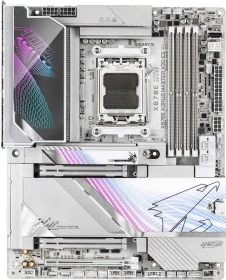
The GIGABYTE X870E Aero X3D Wood is simply stunning. Add to that a great feature set and strong performance and it justifies its $499 price.
Gigabyte’s X870E Aero X3D Wood pairs a standout wood-themed design with strong features and excellent performance. It stands out as one of the most compelling high-end white motherboards available, earning a place among the best in its class.
The TL;DR summary for the Gigabyte X870E Aero X3D Wood is that it's a little expensive in terms of features, but dials it up to 11 in terms of aesthetics. It's one of the best-looking boards we've reviewed and if you're sold on that, it also offers solid performance. However, if you're here thinking you wish there were black options of the Aero X3D Wood, well they're coming, and we'll be taking a look at them soon too.
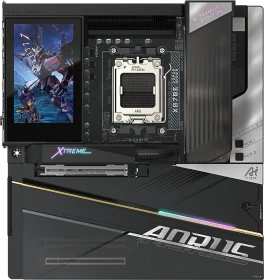
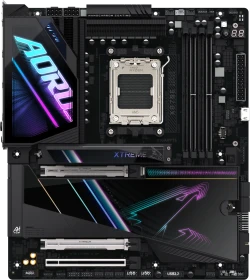
The Gigabyte X870E Aorus Xtreme AI Top is a powerful, feature-rich flagship motherboard with strong performance across the board. With the refreshed X3D version out, the steep price and lack of reginements make it worthwhile, but only if you can buy it at the refurbished price.
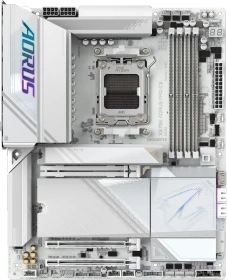
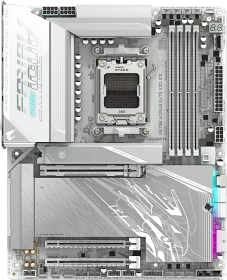
Overall, the Aorus X870E Elite X3D Ice is a really solid board and if you are looking to white out your next AM5 build, it will look amazing and likely do everything you need and thus fulfilling the mid-range mainstream market demand. However, if you are looking to tweak and tune your build or even want a good amount of onboard ARGB you will likely be left disappointed.
Alle Angaben ohne Gewähr. Die gelisteten Angebote sind keine verbindlichen Werbeaussagen der Anbieter.
* Preise in Euro inkl. MwSt. zzgl. Versandkosten. Bei der Auswahl von "inkl. Versand" beinhaltet der dargestellte Preis die Kosten für den Versand. Die nicht angeführten Kosten in andere Länder entnimm bitte der Website des Händlers. Bei Sortierung nach einer anderen als der Landeswährung des Händlers basiert die Währungsumrechnung auf einem von uns ermittelten Tageskurs, der womöglich nicht mit dem im Shop angegebenen Preis exakt übereinstimmt. Bitte bedenke außerdem, dass die angeführten Preise periodisch erzeugte Momentaufnahmen darstellen und technisch bedingt teilweise veraltet sein können. Insbesondere sind Preiserhöhungen zwischen dem Zeitpunkt der Preisübernahme durch uns und dem späteren Besuch dieser Website möglich. Händler haben keine Möglichkeit, die Darstellung der Preise direkt zu beeinflussen und sofortige Änderungen auf unserer Seite zu veranlassen. Der maßgebliche Preis für den Verkauf durch den Händler ist der tatsächliche Preis des Produkts, der zum Zeitpunkt des Kaufs auf der Website des Händlers steht.