 Österreich
 EU
EU
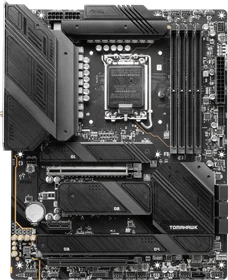
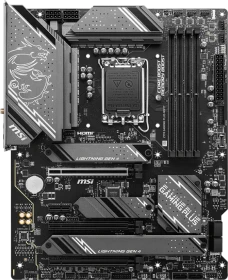
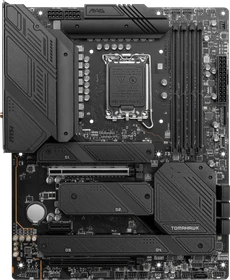
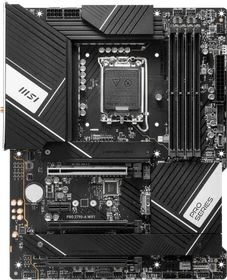
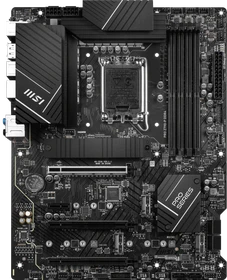
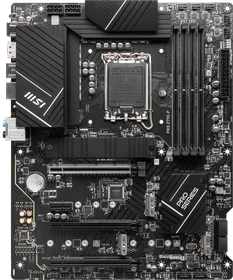
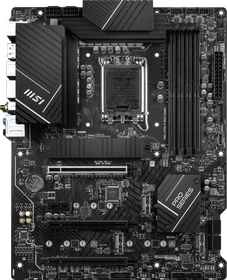
MSI MAG Z790 Tomahawk WIFI (Intel 1700)
7D91-009R
ab
€ 201,78

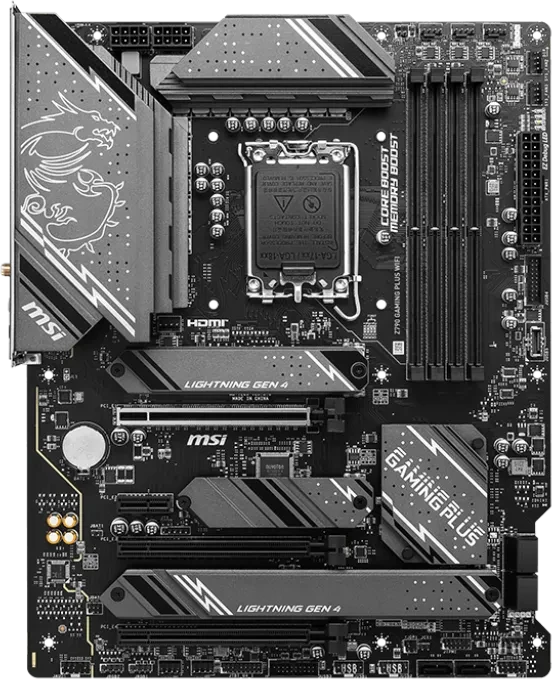
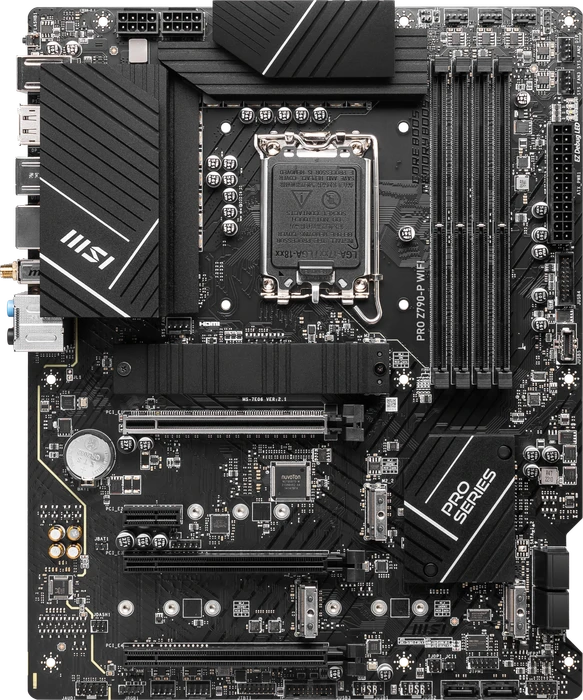



I really like this motherboard, as it’s gone a really aggressive yet somehow understated aesthetic that should look great in virtually any high-end PC build. However, as aesthetically pleasing as it is, all those heatsinks are practical too, ensuring that the plethora of M.2 mounts can deliver better performance. For most gamers, this won’t matter that much, but if you’re running a bunch of M.2 in RAID and dealing with some rendering projects, it could certainly pay off.
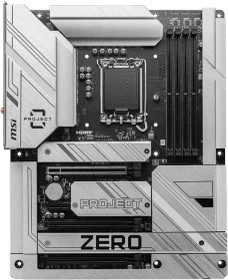
The MSI Z790 Project Zero features all the power connectors and pin headers on the reverse side of the motherboard, which provides a much cleaner and neater look. It uses the Intel Z790 chipset and supports all the latest 14th Gen, 13th Gen and the 12th Gen processors on the LGA 1700 socket. There are 4 x DDR5 DIMM slots supporting memory speeds of up to DDR5-7200+ OC.
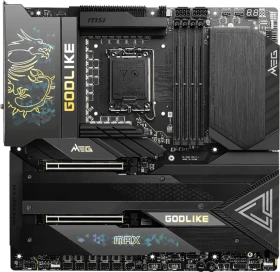
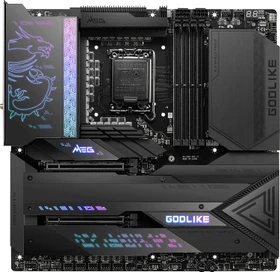
MSI's MEG Z790 Godlike Max motherboard is a top-tier offering with a top-tier price. If you've got the funds for this product, you'll likely be impressed.
At roughly $1,200, you should expect the best, and you get the best with the MEG Z89Godlike Max. From the TB4 ports and seven M.2 sockets to the overkill power delivery and premium aesthetic, there’s a lot to like here if you have the money to spend.
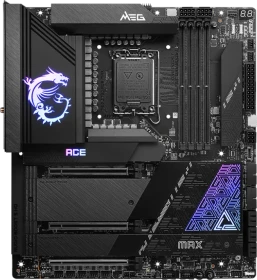
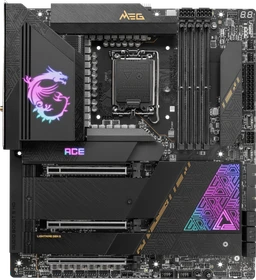
The MSI MEG Z790 Ace MAX is a minor update from the original Z790 Ace, sporting the same looks and hardware, outside of the Wi-Fi 7 change and native 14th-gen support. It’s nicely equipped, but if price is important, there are appealing alternatives that cost less than this board’s $699.99.

Zusammenfassend ist das MSI MEG Z790 ACE Max nahezu identisch zum Vorgängermodell Z790 ACE, wobei die wichtigste Neuerung Wi-Fi 7 ist. Dazu gibt es ein kleines Facelift, welches dem Board nochmal einen Design-Feinschliff spendiert. Insgesamt bietet das MSI MEG Z790 ACE Max eine beeindruckende Kombination aus Leistung, Konnektivität und Qualität zu einem hohen Preis.

Wir richten unsere Blicke in diesem Test auf den nächsten Z790-Unterbau. Die Rede ist von MSIs MEG Z790 ACE MAX, einem Z790-Refresh-Mainboard mit üppiger Ausstattung. Das Hauptaugenmerk hat MSI auf die CPU-Spannungsversorgung mit 27 Phasen gelegt.

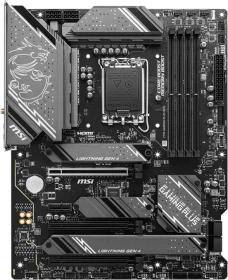
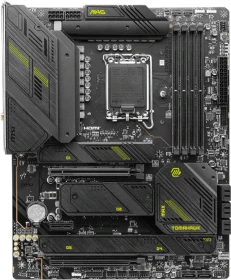
Das neue MSI MAG Z790 Tomahawk Max WIFI enttäuscht den Verbraucher in keinster Weise. Im Benchmark liefert das Board gute Werte in der aktuellen Gaming-Szenerie. Mit zahlreichen internen und externen Anschlüssen, mehreren SATA-Ports und auch mehreren M.2 Ports kann das Tomahawk Max WIFI glänzen. Wie von MSI gewohnt bleibt das Board auch hier einsteigerfreundlich mit intuitiver Bedienung im BIOS, das auch für fortgeschrittene User seinen Vorteil mit sich bringt.

Das MSI Z790 Tomahawk Max Wifi ist zusammen mit dem MSI Z790 Tomahawk Wifi nicht umsonst aktuell die mit beliebteste Serie bei MSI, denn es vereint hohe Qualität und gute Ausstattung mit einem bezahlbaren Preis.

Wie wir in unserem letzten Mainboard-Test feststellen mussten, herrscht beim Thema Einstieg in die jeweilige Plattform generell etwas Verwirrung. Daher nehmen wir künftig Abstand von den Bezeichnungen "Plattform-Einstieg" und "Gaming-Einstieg". Zuletzt hatten wir uns das ASUS TUF Gaming Z790-Pro WiFi angeschaut, das einige Kontra-Punkte von uns erhalten hat und daher nicht vollends überzeugen konnte. Für mehr als 300 Euro möchte MSI mit dem MAG Z790 TOMAHAWK MAX WIFI überzeugen. Ob dies gelingt, klären wir in diesem Test.
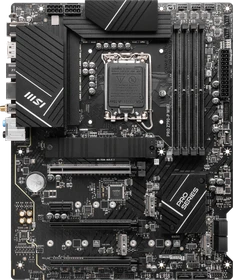
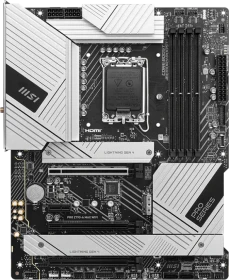
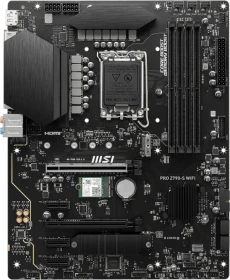
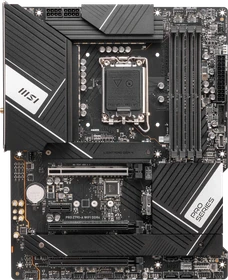
Mit dem Gigabyte B650M DS3H (Hardwareluxx-Test) haben wir ein AM5-Mainboard aus dem unteren Preissegment mit einigen Überraschungen getestet. Nun werden wir uns einem Z790-Mainboard für Intels LGA1700-Prozessoren widmen, das ebenfalls aus den unteren Reihen stammt. Ist auch das MSI PRO Z790-A MAX WIFI eine gute Wahl für den geringeren Geldbeutel? Finden wir es heraus!
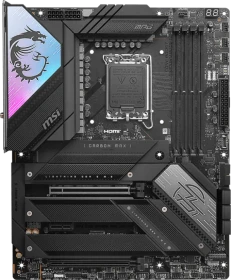
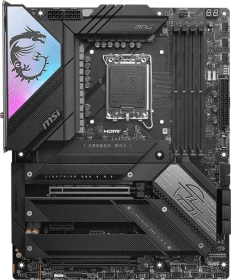
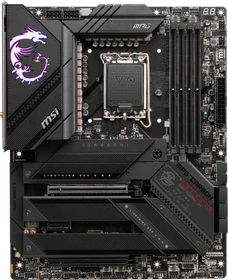
Als vierter im Bunde fehlte bei unseren Z790-Refresh-Tests noch ein Modell aus MSIs MPG-Serie. Unsere Wahl fiel dabei bewusst auf das MPG Z790 CARBON MAX WIFI, das von MSI an einigen Stellschrauben im Vergleich zum MPG Z790 CARBON WIFI etwas verbessert wurde, zumindest auf dem Papier. Die bereits kräftige CPU-Spannungsversorgung im 19+1+1-Design und 105-A-VCore-Power-Stages blieb unverändert und liefert jede Menge Leistung für Intels LGA1700-Prozessoren. Im Overclocking-Test stellte wieder einmal unser Core i7-14700K das Limit dar und konnte mit 5,7 GHz auf den Performance-Kernen betrieben werden. Mit Problemen behaftet war in unsrem Setup hingegen die RAM-Übertaktung. Von MSI selbst werden bis DDR5-7800 für das MPG Z790 CARBON MAX WIFI angegeben. Erreichen konnten wir mit unseren DDR5-8000-Modulen lediglich DDR5-7400, was etwas ernüchternd ist. Mit dem hauseigenen MAG Z790 TOMAHAWK MAX WIFI (Hardwareluxx-Test) war der Betrieb mit DDR5-7800 kein Problem. Durchaus möglich ist, dass MSI an dieser Stelle mit BIOS-Updates nachhelfen kann. Ferner ist uns die hohe Leistungsaufnahme aufgefallen, die sowohl im Leerlauf als auch unter Lastbedingungen durch uns festgehalten wurde. Lediglich bei der ersten Inbetriebnahme wurde uns die Wahl über die Power-Stages ermöglicht, nicht jedoch beim Laden der Default-BIOS-Settings. Auffällig war zudem die lange POST-Dauer von gerundet 18 Sekunden. Die Liste der Hauptunterschiede zwischen dem MPG Z790 CARBON WIFI und dem neueren MPG Z790 CARBON MAX WIFI fällt ziemlich kurz aus. Letzteres stellt als großen Unterschied ein WiFi-7-Modul bereit und kann über Funk mehr Daten übertragen, sofern das restliche Netzwerk-Equipment entsprechend ausgelegt ist. Doch auch drei statt zwei ARGB-Header sind nun an Bord sowie auch ein ARGB+FAN-Header und ein USB4-Card-Connector. Mehr Unterschiede sind nicht vorhanden und so bleibt es bei einem PEG-Slot mit PCIe-5.0-x16-Anbindung, in Summe fünf M.2-M-Key-Schnittstellen (eine mit PCIe 5.0 x4 inklusive Lane-Sharing), zweimal USB 3.2 Gen2x2. Siebenmal USB 3.2 Gen2 sowie jeweils viermal USB 2.0. Auch der ALC4080 als Audio-Codec wurde konsequent übernommen. Ein weiteres Problem betrifft die (noch) nicht vorhandene Verfügbarkeit des MPG Z790 CARBON MAX WIFI. Doch aufgrund des WLAN-Moduls als einziger Unterschied kann von unserer Seite aus getrost auf das Non-MAX-Modell zurückgegriffen werden. Bis auf das verbaute WLAN-Modul sind beide Mainboards identisch aufgebaut. MSIs MPG Z790 CARBON WIFI kostet derzeit mindestens 385 Euro und ist bereit verfügbar.
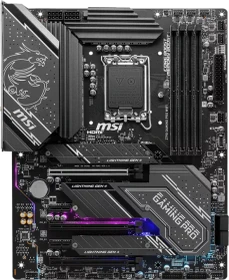
Das MSI Z790 Gaming Pro Wifi bietet ein umfangreiches Angebot an Einstellungen im BIOS und viele Features, die MSI aufgrund ihrer jahrelangen Erfahrung mitbringt. Overclocking ist bis ins Detail möglich, zwei LAN-Anschlüsse für mehrere Netzwerke, Wifi 6 Standard, RGB-Beleuchtung und eine gute Wärmeabfuhr für die neuesten Prozessoren. Hinzu kommt ein dezentes und dennoch tolles Design mit einem vormontieren IO-Shield. Technisch auf hohem Niveau für vergleichsweise kleines Geld.
MSI delivers amazing connectivity and loads of expansion within its new MEG Z790 GODLIKE motherboard, but it certainly comes with a price!
Der Name GODLIKE steht bei MSI nun bereits seit mehreren Generationen für das absolute high-end Mainboard, ein Halo-Produkt mit allen Features, die man sich wünschen könnte, und dabei sämtliche Vernunft außer Acht gelassen. Dank MSI dürfen wir heute als eine der ersten Publikationen dem Flaggschiff der Z790 Boards auf die Platine fühlen und damit zugleich den zu schlagenden Benchmark für kommende Tests von Raptor Lake-Unterbauten ermitteln. Und vielleicht ist der Kaufpreis am Ende des Tests ja gar nicht mehr so unvernünftig, zumindest für jene, die bereits diverse andere Flaggschiff-Komponenten im Warenkorb liegen haben.

A mighty CPU such as the Intel Core i9-13900K deserves a mighty motherboard and that is a legitimate description of the MSI MPG Z790 Carbon WiFi with its five M.2 slots and 19-phase VRM to power the CPU. The question we are asking here is whether or not it lives up to its promise…

MSI hat mit dem MPG Z790 CARBON WIFI ein hervorragendes Mainboard geliefert, das gegenüber seines Vorgängers nochmals deutlich aufgewertet und mit den neusten Übertragungstechnologien versehen wurde. Wer also mit dem Gedanken spielt, sich ein Prozessor der 13. Generation zuzulegen, dem sei gesagt, dass dieses Board kaum einen Wunsch offen lässt.
The MSI MPG Z790 Carbon WiFi has upgraded the Carbon models significantly over those that came before, but the rewards are worth it. Priced well below to the other big hitters - the Maximus Hero and Aorus Master - it's an excellent choice if you want an MSI motherboard in your rig and wins our OC3D Enthusiast Award.
As we come to the end of this review MSI has a pretty solid motherboard for the Z790 platform that has many of the features you would want. The big question many people have is, is there really a difference in performance between DDR4 and DDR5? The simple answer is yes and no. In most cases you really aren’t going to notice much of a difference, but in certain gaming scenarios the system with DDR5 will perform better. This really only equates to a few FPS in real-world gaming scenarios. The nice thing is that MSI is giving you the choice with this board as the DDR4 and DDR5 versions are essentially the same.
The interesting thing with Intel’s Z690 and Z790 planforms is that they actually support both DDR5 and DDR4. This allows people upgrading to the new platform to bring over their DDR4 from an older build or save some money getting DDR4 over DDR5. The big question many people may have is does using DDR4 over DDR5 make that big of a difference in performance? Well in this review we are going to find that out as MSI has sent over their MAG Z790 Tomahawk WIFI DDR4 Motherboard for us to take a look at. MSI offers this board in a DDR5 versions as well, but essentially both boards are the same with the same features except which type of memory they support. You are going to get a very sleek blacked-out design, a 16-phase VRM, PCI-Express 5.0 on your main graphics card slot, four Gen4 M.2 slots, and much more!
Priced around $300, the Z790 Tomahawk WIFI DDR4 is a solid board to build your Raptor Lake-based system on. It compares well hardware/specs-wise to the other boards and its all-black appearance blends in with most build themes. However, it’s priced high compared to its direct competition.
Intel hält auch mit den 700er Chipsätzen an dem DDR4-Standard fest und erlaubt es den Mainboard-Herstellern, nicht nur DDR5-, sondern auch DDR4-Platinen anzubieten, was für viele Umrüstwillige gern angenommen wird. Von MSI haben wir für ein Review das MAG Z790 TOMAHAWK WIFI DDR4 bekommen, das in schlichter Erscheinung in Schwarz designt wurde und sicherlich für viele Anwendungsfälle ausreichen dürfte.
The MSI MAG Z790 Tomahawk WiFi DDR4 is a first-rate product overall. With a number of RGB headers, internal USB headers, debug LEDs and a good amount of USB ports on the back for external devices. There isn't much more to improve upon without increasing the cost. As we talked about earlier, the price is something to consider in our current times because it is a real concern for many budget conscious consumers. With all that said, this motherboard from MSI strays away from the unnecessary "feature creep" and at the core offers the necessary functions to make it a well-rounded product. If the price is right, consider the MSI MAG Z790 Tomahawk WiFi DDR4 this a noteworthy choice for those who still desire to stick with DDR4.

We're not even slightly disappointed by the performance DDR4 brings towards what is intended as a DDR5 platform. herein probably lies the success of Raptor Lake, as you can re-use your a B660 series or Z690 motherboard (firmware upgrade mandatory), and re-use your DDR4/DDR5 memory. That will save you heaps of money. If you need a new motherboard though, the MSI Z790 Tomahawk is available in both DDR4 and DDR5 options, that's a choice. As stated, the differences are not going to be huge from a performance perspective, but they can be measured; perhaps if you plan a GeForce RTX 4090, here's where we'd obviously advise going the DDR5 route. But with standard graphics, you'll be okay with DDR4. MSI offers a very interesting motherboard, but it's still costing $309 which is a pretty sum of money for a motherboard. Please also be advised that the DDR5 version will be more expensive. As a motherboard, it functioned stable, and without any issues, we popped in the DDR4 memory, enabled the XMP profile and booted into windows; it's that simple. Next to that, you can house four M2 NVMe SSDs underneath heatsinks, you'll get proper WIFI6E, a 2.5 Gbps ethernet jack and your 16+1 power phases stages are backed by 90A power stages. All in all, it's a great-looking motherboard as well; no RGB bling, just an excellent black design. However, the platform cost of ownership for people building a new PC remains very steep. But with a DDR4 choice on the table, your investment might be a bit less expensive and thus a more attractive route to follow.

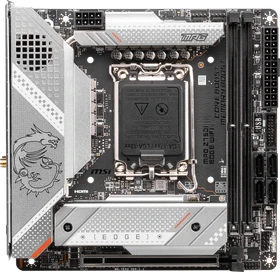
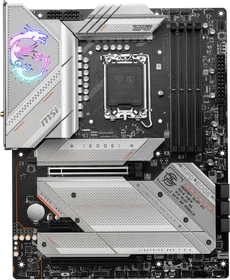
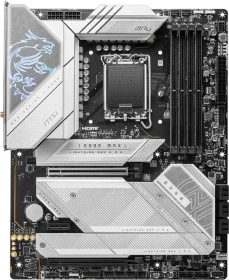
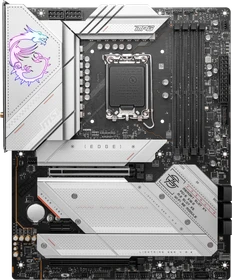
While Intel does have more than one 700 Series chipset, the flagship Z790 chipset has a surprisingly wide range of motherboard options. They range from $190 to $1399 and adding DDR4 and DDR5 into the mix each company has a LOT of options and MSI is no different. In fact, they have 14 different Z790 options which is down from the 18 that they did for Z690. In Z790 they have three different models in the Edge lineup alone, one ITX board and then the DDR4 and DDR5 options in the Edge WiFi. These are also the only boards that have a white or light grey focus with the other options all being mainly black. Given the popularity of white builds, having boards that match is a given and the MPG Z790 Edge WiFi DDR4 fills that for MSI with its silver heatsinks and white accents on the heatsinks. The black, silver, and white combo is unique in that it isn’t completely white so it will fit in a black case just as well as it would an all-white build but I do wish that the PCB and plastic on this were silver or white like MSI has done in the past with their Arctic lineup.
We are not discontented with DDR4's performance on what is designed to be a DDR5 platform. Raptor Lake's success is likely due to the ability to reuse your B660/Z690 motherboard (firmware upgrade required) and DDR4 memory. This will save you a lot of money. If you require a new motherboard, the MSI Z790 EDGE comes in DDR4 and DDR5 configurations. As previously indicated, the performance differences will be very acceptable; nonetheless, if you intend to purchase hyper-expensive premium graphics cards (anything higher than RTX 3090 upwards to RTX 4090), we recommend going the DDR5 route. However, DDR4 will be sufficient overall. MSI has a very interesting motherboard; however, it costs $369, which is a lot of money for a motherboard. Please be aware that the DDR5 version will cost even more. The motherboard works well and is stable; we plugged in a random 3600 MHz kit DDR4 memory, enabled the XMP profile, and booted into Windows with no problems. In addition, with five M2 NVMe SSDs that can be housed behind heatsinks, you will have proper WIFI6E, a 2.5 Gbps ethernet connector, and some fine power phase. Overall, it is a beautiful motherboard with a sleek, modern silver appearance that does not resort to RGB bling too much, just the dragon logo. However, if you want to build an entirely new PC, you'll still face a relatively high total cost of ownership.
MSI’s Z790 Ace is a well-built, full-featured motherboard for 12th and 13th generation Intel processors. The board offers a high-end appearance, plenty of storage options, overbuilt power delivery and flagship-class audio. But you can get the same or similar features for significantly less money than the $699 MSI is asking for.
Overall, MSI has taken the MEG Z690 ACE and made some improvements, but shortcomings for this product tier will leave you disappointed. Brand loyalty goes a long way and those who are dedicated fans may still be pleased. Under the MEG umbrella, expectations are set high, and MSI unfortunately under delivers in that respect. If you are able to overlook what some would consider superficial complaints, you will still find that the competitors offer advantages in price and features that make this MSI MEG Z790 ACE hard to place as a top recommendation.
We're still a little baffled as to how much money you need to pay for a premium motherboard these days. The MSRP for the ACE sits at 699 USD, here in the EU it's even more absurd as it's listed at close to 1000 EUR. Even with a VAT differential, it seems that retailers really are trying to make the best out of their income. Nauseating. Strictly focussing on the hardware itself, we of course have to admit that the ACE is nearly a bit of a masterpiece. It isn't flawless though, the ATX power connectors are positioned odd, the aRGB connector sits at the wrong side of the motherboard, and in this price class we do expect 10 Gbps ethernet. Other then that, it ticks all the right boxes (pricing excluded). The ACEs has a lot to offer. Five NVMe SSD storage options, WIFI6E (which works really nicely). Thunderbolt is onboard, (but that makes it even more expensive). The VRM design is more than you ever wish or need, and the DNA of PCIe gen 4.0 and 5.0 breathes through the platform. The platform will also support the fastest memories (think 7200 MHz - we dropped it in and enabled the SPD3.0 profile, and it worked beautifully). Hardware wise this puppy is sound; we had no stability issues, the WIFI6E on the 5 and 6 GHz band is lighting fast, the 2.5 GigE LAN jacks perform well, the 105A Power Stages and loads of connectivity in the form of M2, SATA and USB and thunderbolt, it's all lovely. It is safe to conclude that this motherboard is intended only for privileged computer enthusiasts with deep pockets, rather than casual gamers or consumers. For a budget-conscious audience, this is not a viable option. Each market, however, has its own niche of customers, and the ACE is focused firmly at this segment. As a result, while it is a great piece of hardware, many better deals are available. If you want nothing but the best, it's yours for $699 USD.
Alle Angaben ohne Gewähr. Die gelisteten Angebote sind keine verbindlichen Werbeaussagen der Anbieter.
* Preise in Euro inkl. MwSt. zzgl. Versandkosten. Bei der Auswahl von "inkl. Versand" beinhaltet der dargestellte Preis die Kosten für den Versand. Die nicht angeführten Kosten in andere Länder entnimm bitte der Website des Händlers. Bei Sortierung nach einer anderen als der Landeswährung des Händlers basiert die Währungsumrechnung auf einem von uns ermittelten Tageskurs, der womöglich nicht mit dem im Shop angegebenen Preis exakt übereinstimmt. Bitte bedenke außerdem, dass die angeführten Preise periodisch erzeugte Momentaufnahmen darstellen und technisch bedingt teilweise veraltet sein können. Insbesondere sind Preiserhöhungen zwischen dem Zeitpunkt der Preisübernahme durch uns und dem späteren Besuch dieser Website möglich. Händler haben keine Möglichkeit, die Darstellung der Preise direkt zu beeinflussen und sofortige Änderungen auf unserer Seite zu veranlassen. Der maßgebliche Preis für den Verkauf durch den Händler ist der tatsächliche Preis des Produkts, der zum Zeitpunkt des Kaufs auf der Website des Händlers steht.